
How to Get a RedotPay Card in 5 Easy Steps: Application Guide

Are you ready to unlock the spending power of your stablecoins? The RedotPay card bridges the gap between your digital assets and real-world merchants. Whether you want a virtual card for online subscriptions or a physical card for ATM withdrawals, getting started is incredibly simple.
Follow these 5 exact steps to get your RedotPay stablecoin-based card ready for global payments.
Step 1: Download the Application
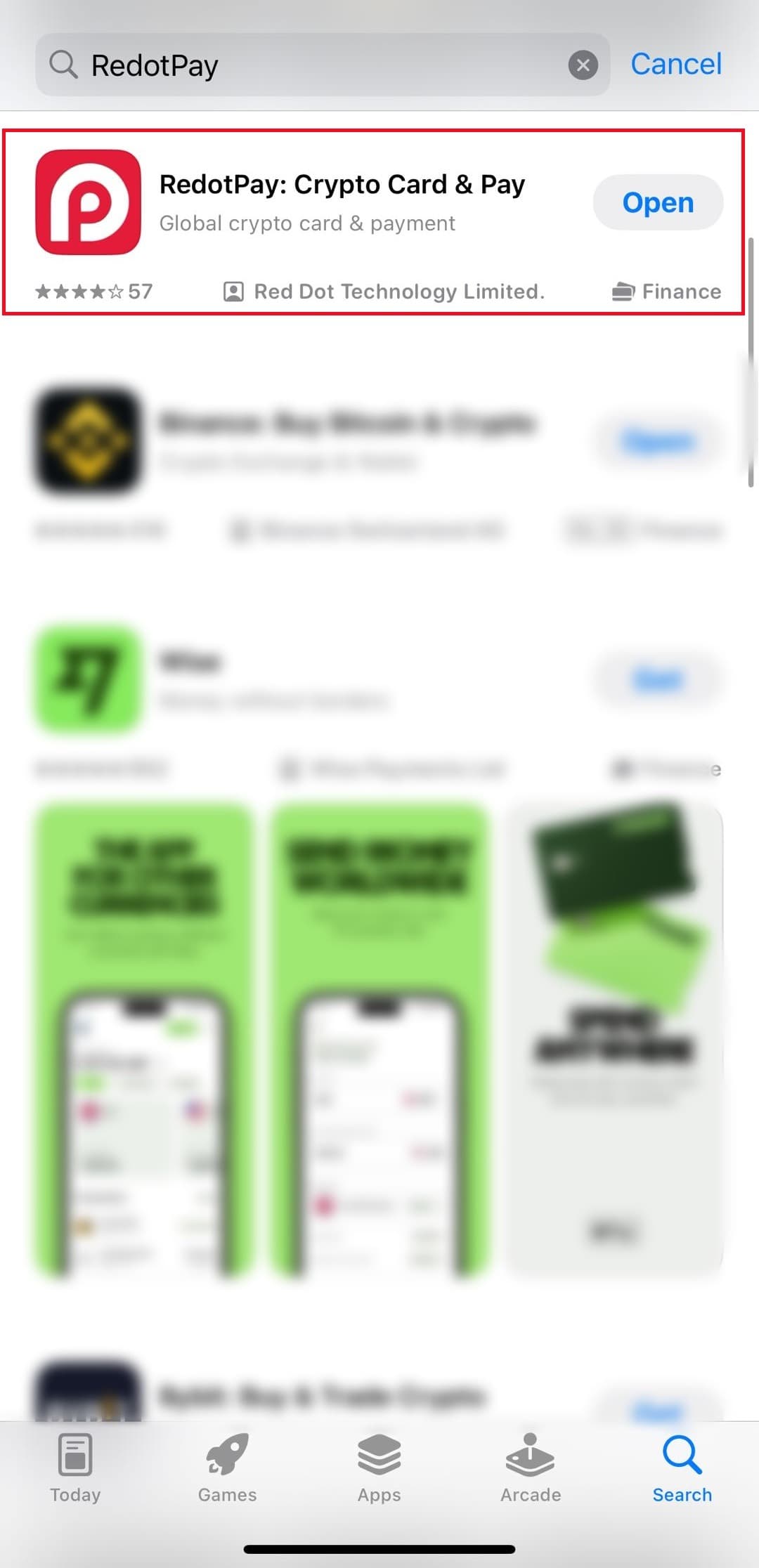
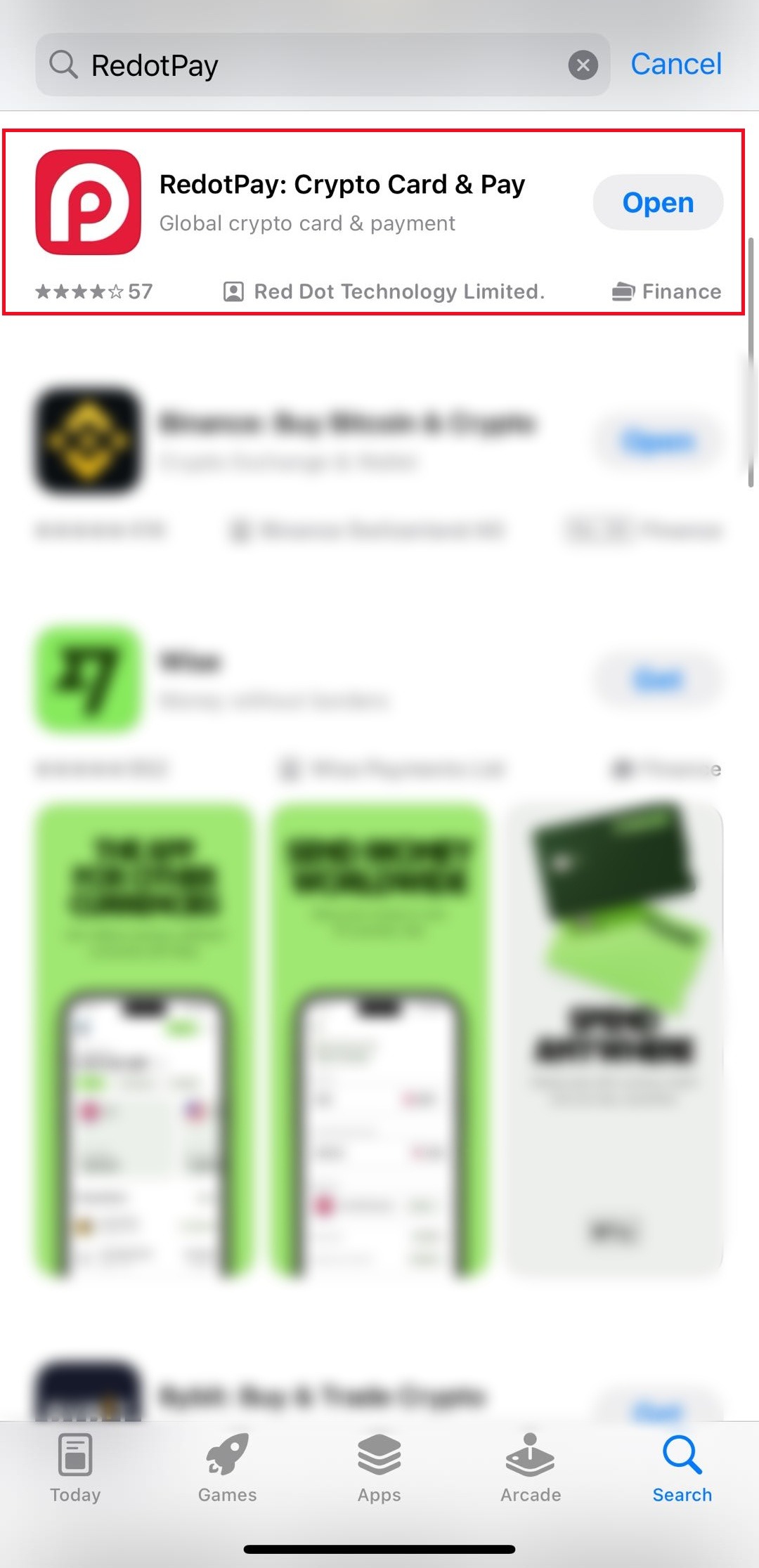
The entire RedotPay ecosystem is managed securely from your mobile device. Start by downloading the official RedotPay app from the Apple App Store or Google Play Store.
Step 2: Sign Up & Claim Bonus
Once installed, open the app. You can register quickly using your Email address, Google Account, or Apple ID.
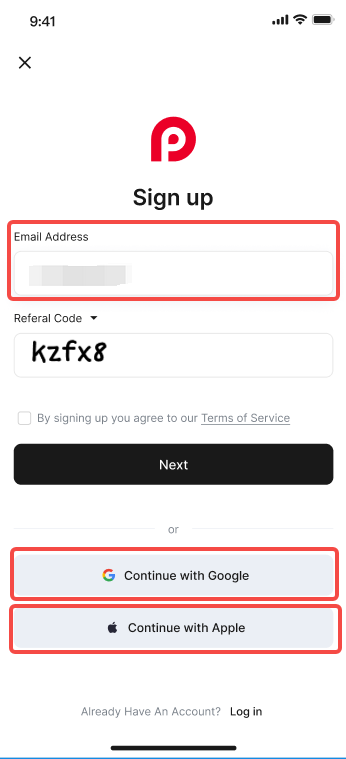
Wait! Don't skip the referral code section. Enter the promo code below during this sign-up step to instantly receive a $5 USD Welcome Bonus.
Step 3: Identity Verification (KYC)
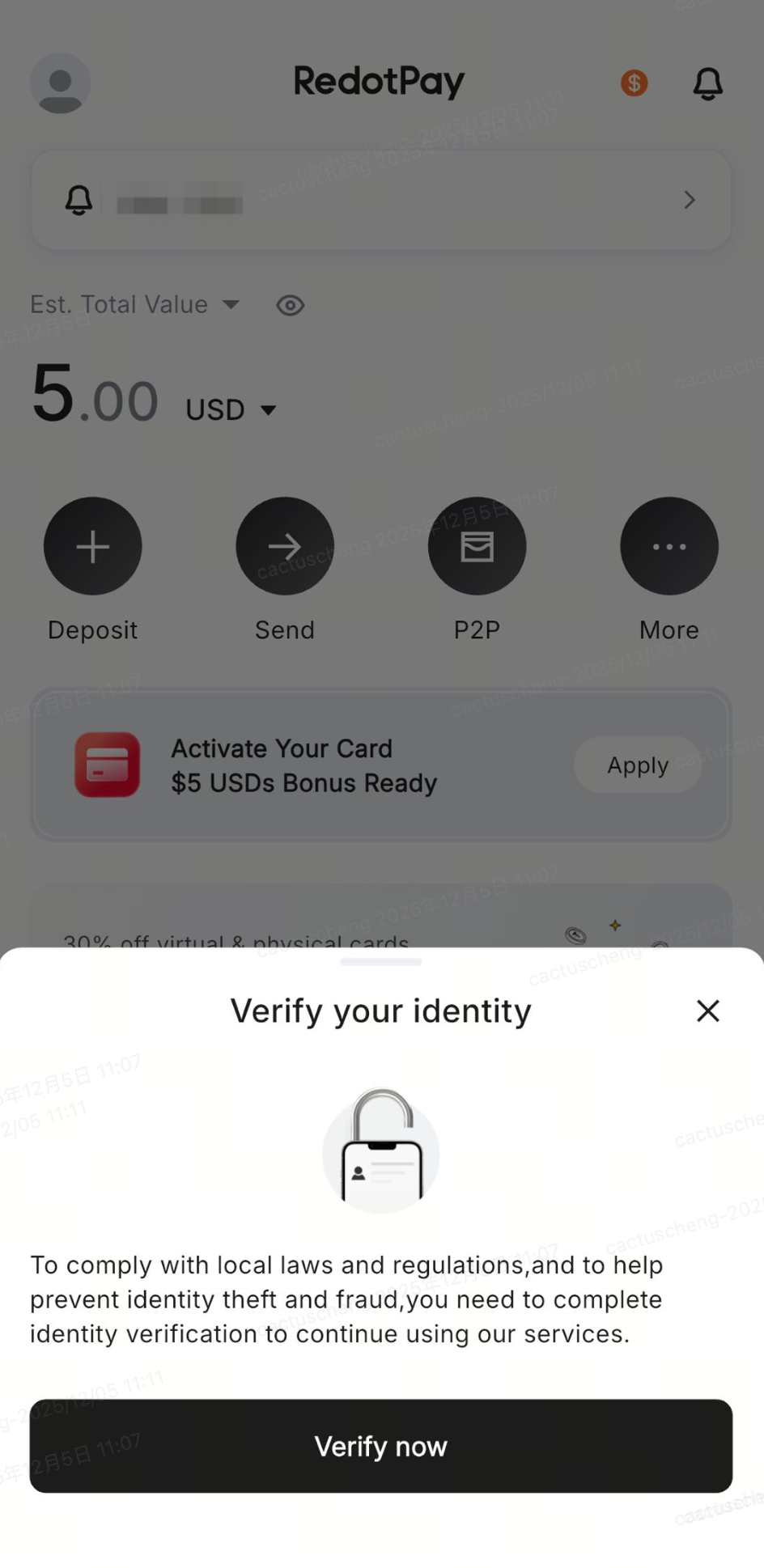
To keep your assets secure and comply with international regulations, RedotPay requires a standard identity check. Complete the identity verification inside the app by scanning a valid government ID (like a Passport or National ID).
Step 4: Add Crypto to Your Account
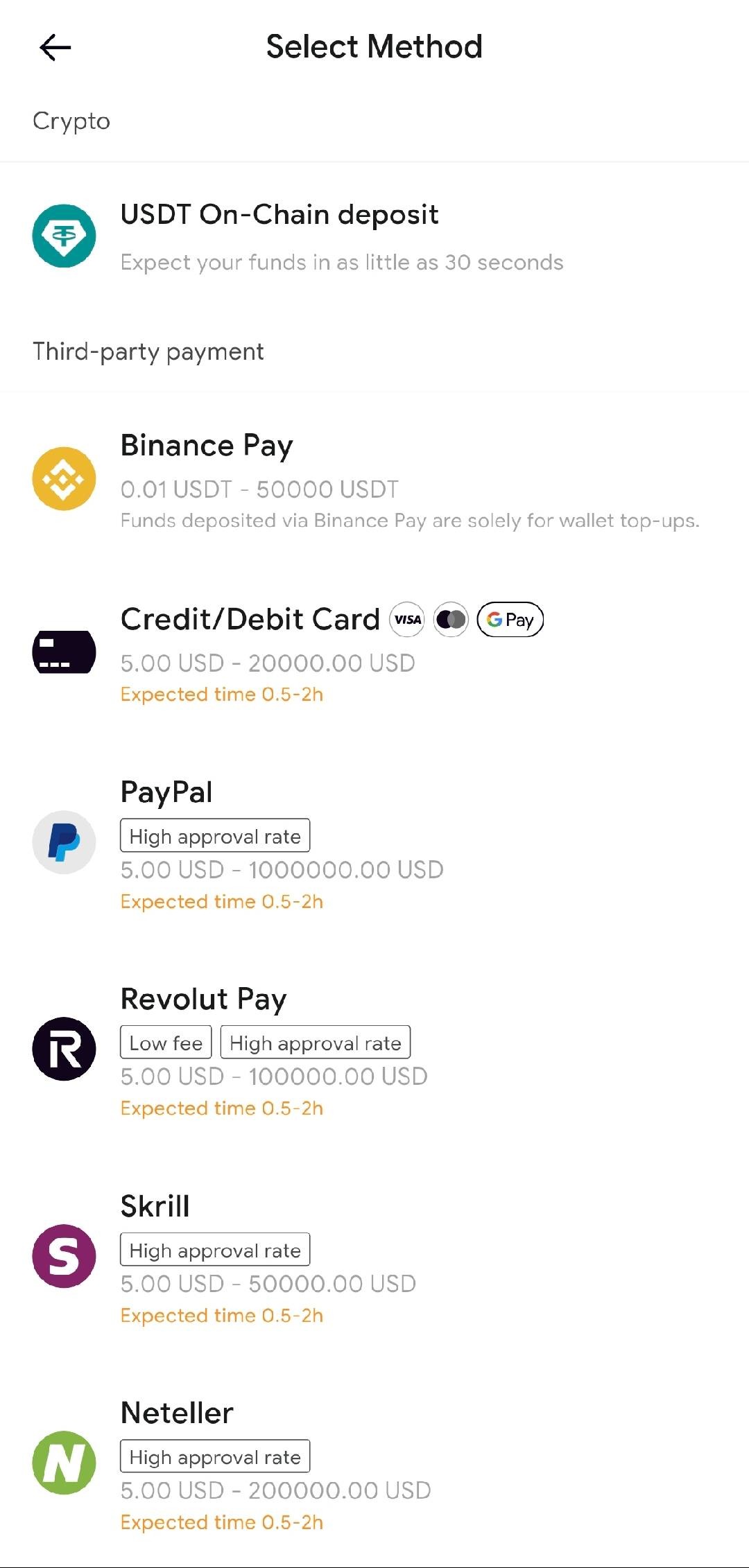
Your card needs funds before you can apply for it. RedotPay gives you multiple flexible ways to add crypto to your account:
- Binance Pay: Instant, zero-fee transfers directly from your Binance app.
- On-Chain Deposits: Send USDT, USDC, BTC, or ETH via standard blockchain networks (TRC20, ERC20, BEP20, etc.).
- Credit Card (Android Only): Buy crypto directly within the app using a traditional fiat credit card.
Step 5: Apply for Your Card
With your account funded and verified, navigate to the [Card] section in the app menu. Here you can choose to apply for a Virtual Card (for online/mobile payments) or a Physical Card (for global ATM access).
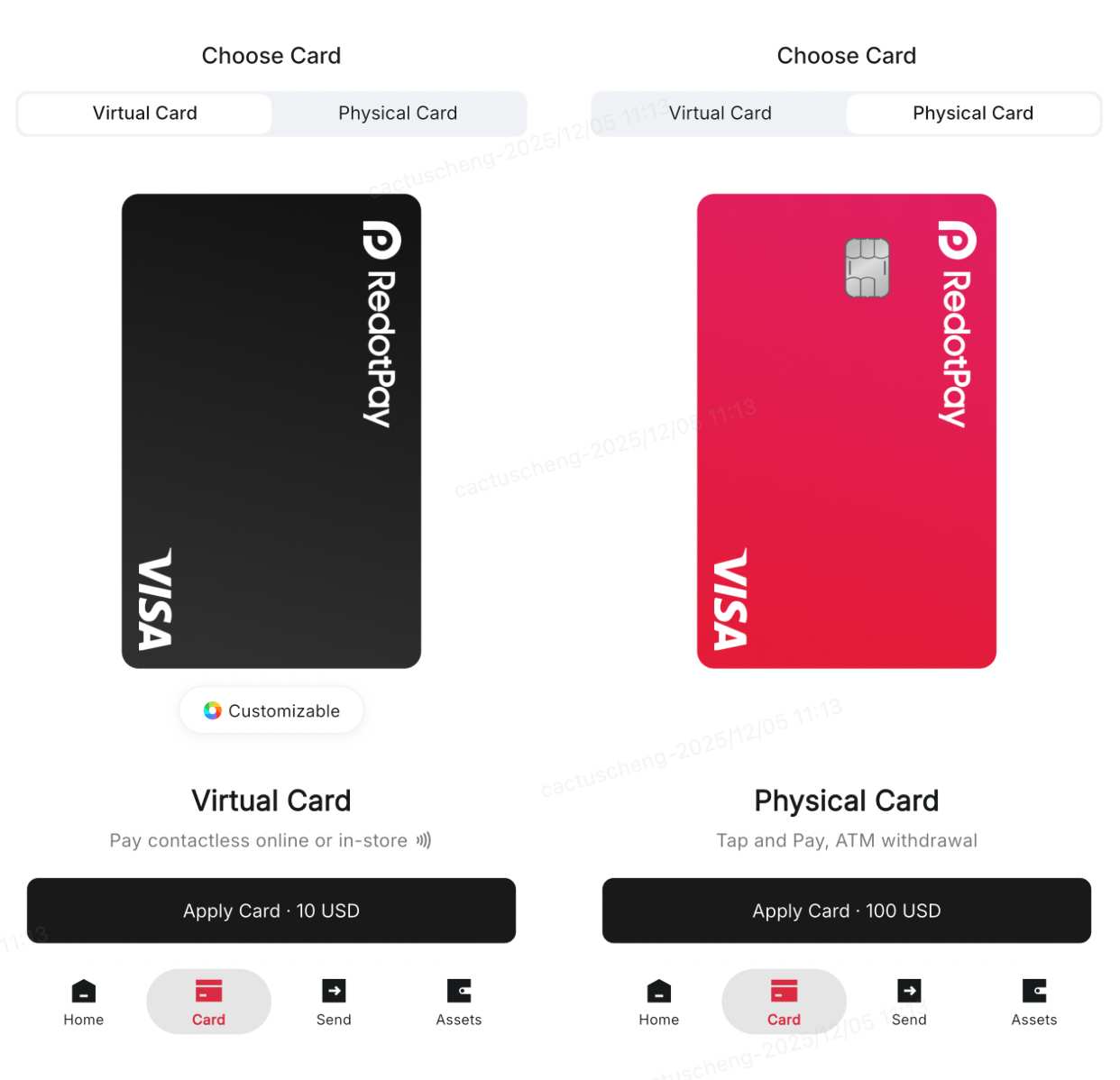
Be sure to enter the discount code "binance" on the payment screen to save 20% on the card application fee!
Application FAQs
Ready for Borderless Spending?
Join millions of users utilizing RedotPay to spend their digital assets effortlessly.
Start Your Application