
The Complete Guide to RedotPay App Setup & Card Activation

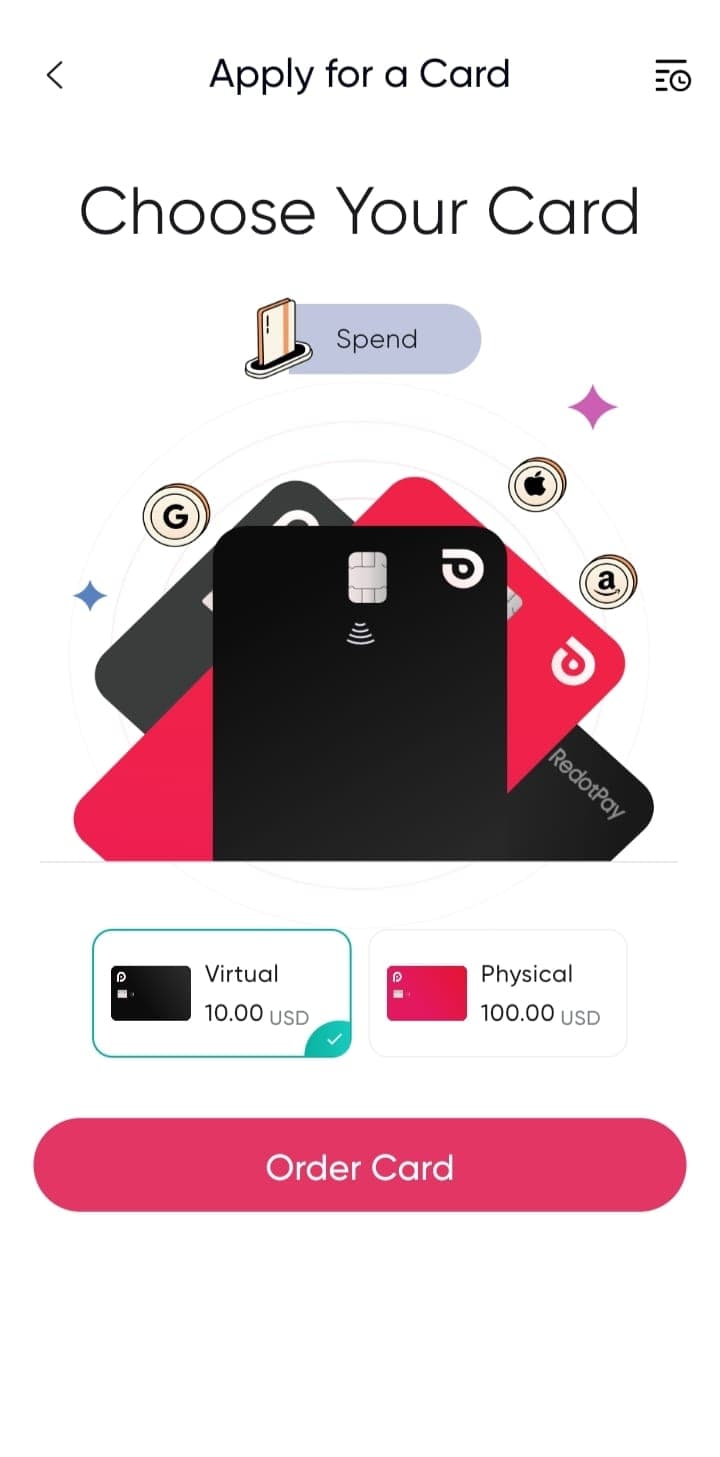
Transitioning from traditional banking to cryptocurrency payments might seem daunting, but RedotPay has streamlined the entire process into a seamless mobile experience. Whether you want to pay for Spotify subscriptions or buy groceries using your USDT balance, getting started takes less than 5 minutes.
In this comprehensive visual guide, we will walk you through the exact steps to download the app, verify your identity, and activate your crypto card.
Prerequisites: Before starting, make sure you have a valid government-issued ID (Passport or National ID) and a well-lit room for the quick facial recognition step.
Step 1: Application Installation & Registration
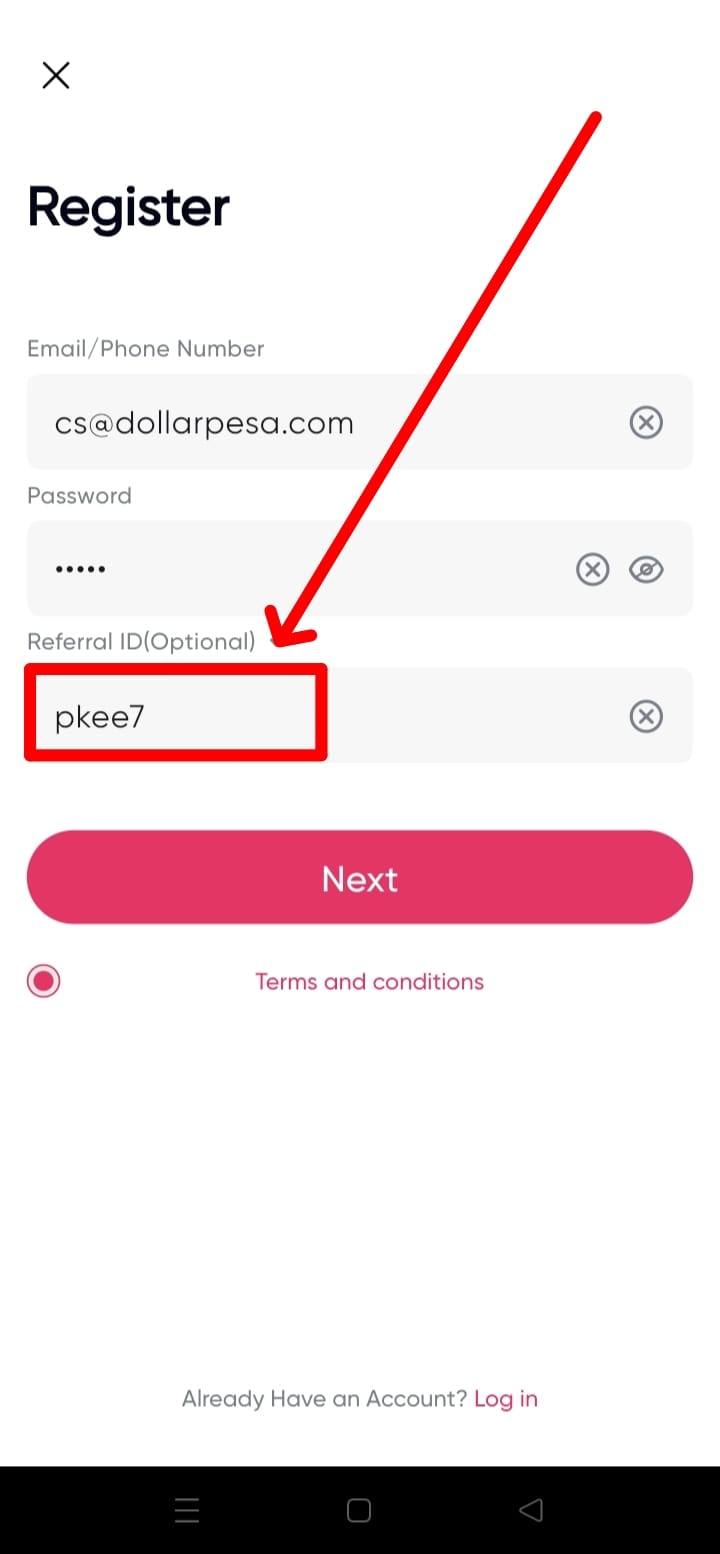
Begin by downloading the RedotPay application from the Apple App Store or Google Play Store. Once installed, open the app and choose to register via Email or Mobile Number.

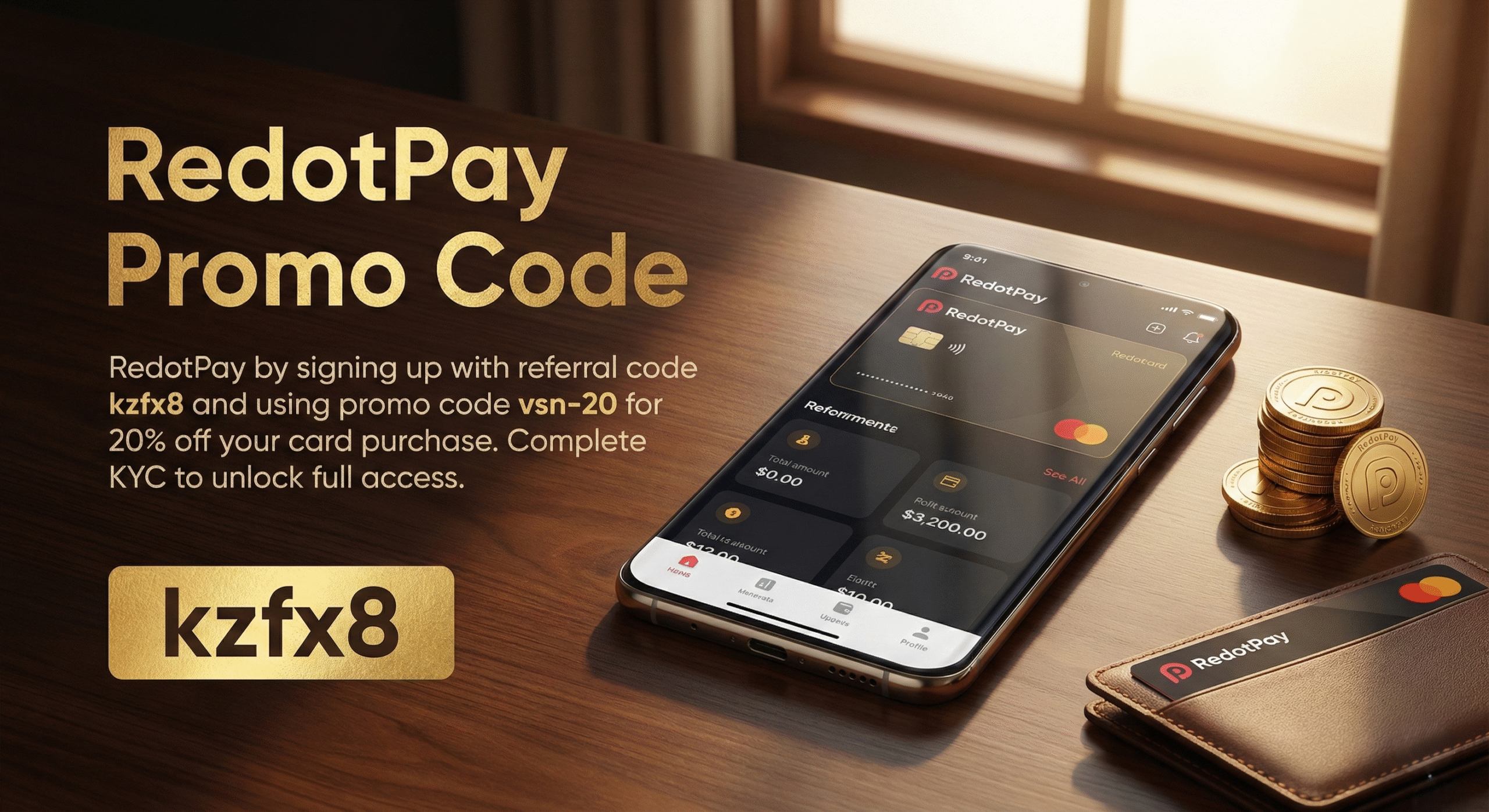
During the initial registration screen, you will notice a field for a referral code. Entering a valid partner code here gives your new account a head start.
Step 2: KYC Verification & Card Selection
To comply with global financial regulations, RedotPay requires a quick identity verification (KYC). Follow the on-screen prompts to scan your ID. Approval usually takes less than 3 minutes.
Once verified, navigate to the "Card" tab at the bottom of your screen. It’s time to choose your spending weapon.
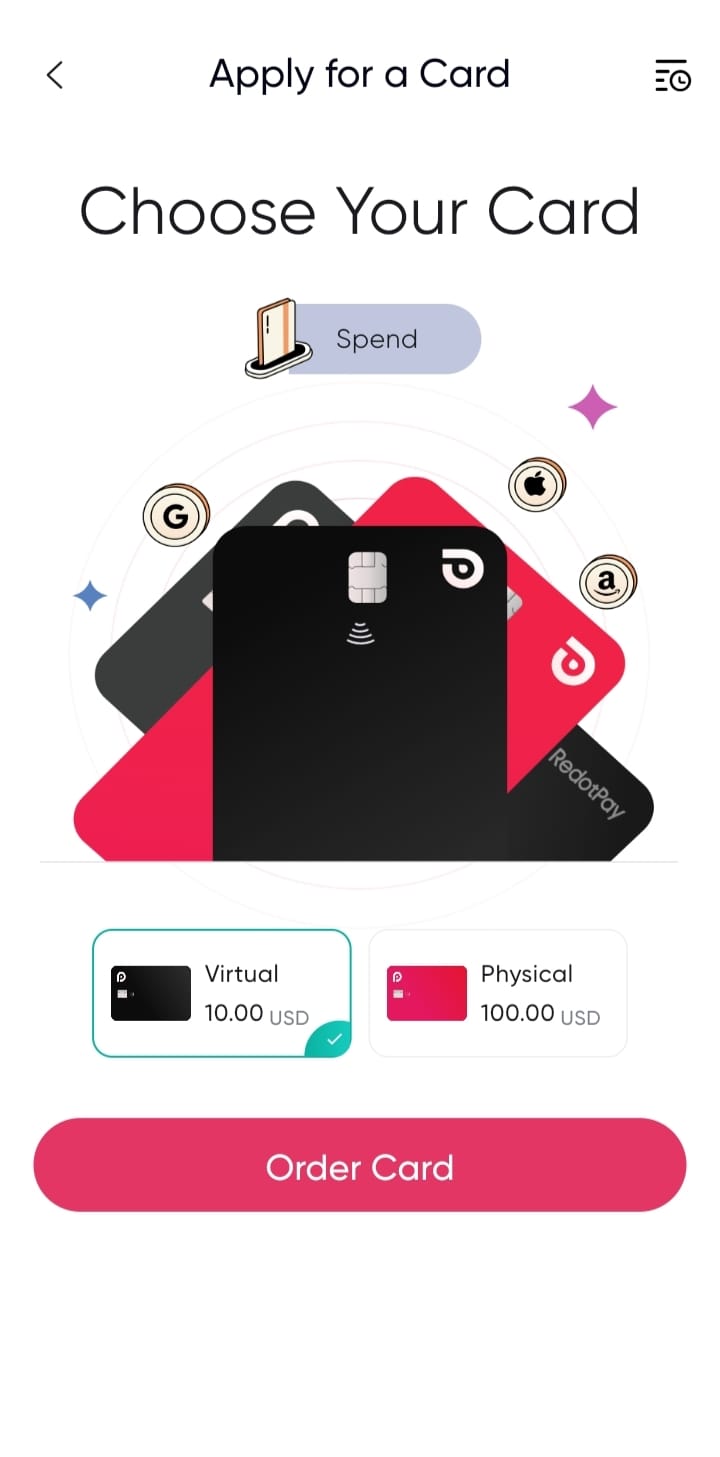
Which card should you choose?
- The Virtual Card ($10): Best for instant access. It can be immediately bound to Apple Pay or Google Pay for contactless mobile payments and online subscriptions.
- The Physical Card ($100): Best for frequent travelers. It allows you to withdraw local fiat currency from global ATMs and swipe at terminals that don't support NFC.
Step 3: Checkout and Activation
After selecting your card, you will proceed to the checkout screen. If you are ordering a physical card, you will need to provide your detailed shipping address.
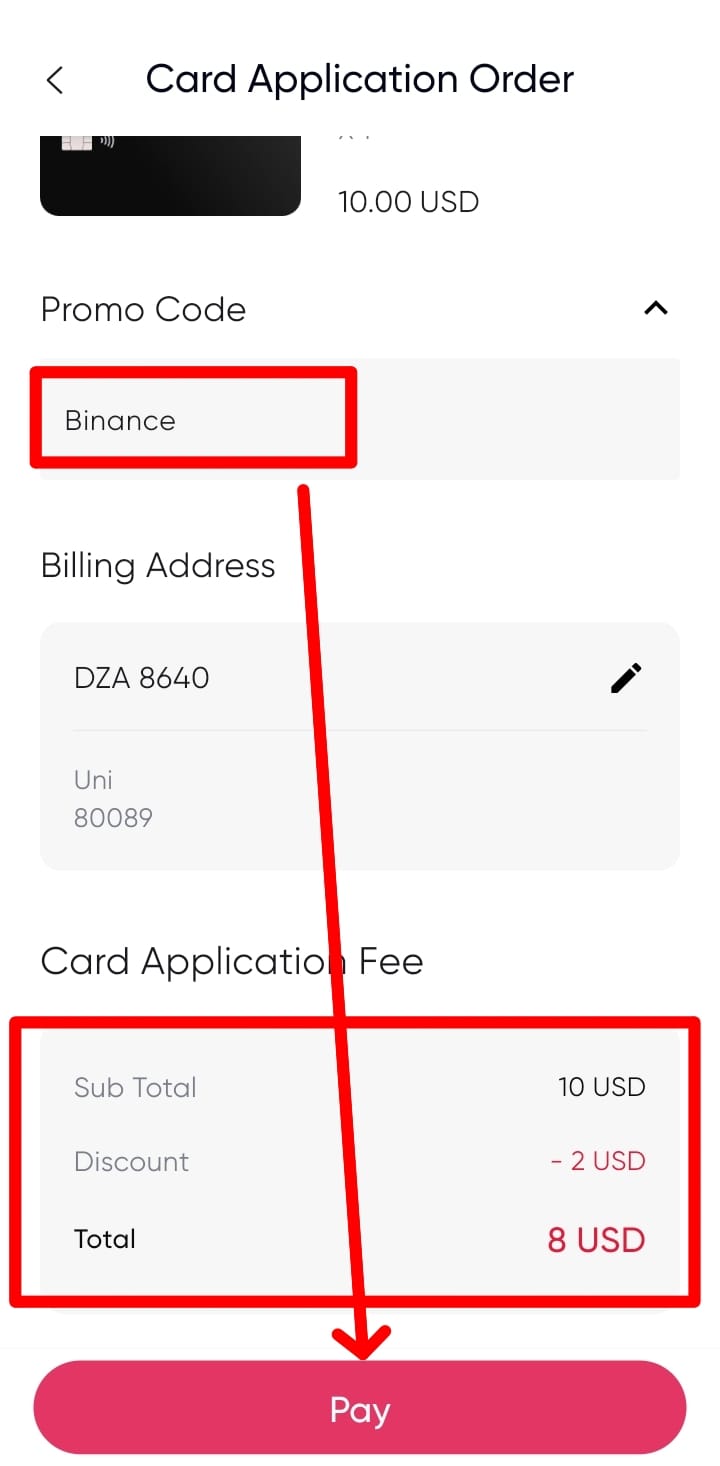
Make sure you apply the code above in the Promo Code field to instantly slash the issuance fee by 20%.
Step 4: Finalizing with Support
Congratulations! Your card is now ordered. If you ordered the virtual card, it is ready to use immediately. If you ordered the physical one, you can track the DHL shipment directly from the app.
As a final step to maximize your new account, navigate to the support center. Letting them know you have completed the partner setup can often yield additional community rewards straight into your wallet.
Account Setup FAQs
How long does the KYC verification process take? +
Can I upgrade from a Virtual to a Physical card later? +
Are there any hidden top-up fees? +
Ready to Setup Your Account?
Download the app today, complete your KYC, and step into the future of borderless payments.
Download RedotPay App