
RedotPay Identity Verification (KYC): Requirements & Approval Tips

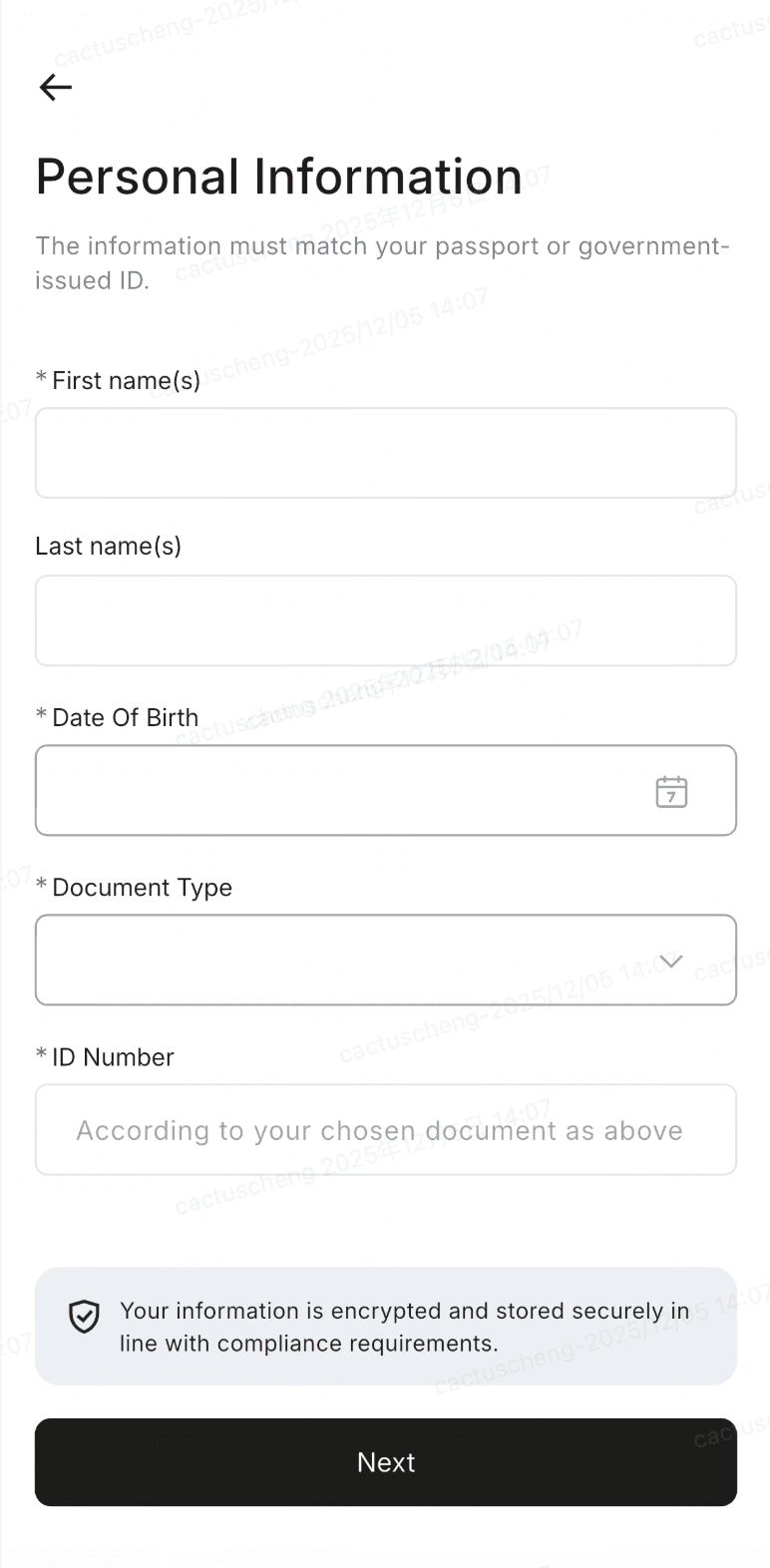
To keep your account secure and unlock all features—including the ability to order Virtual and Physical Visa cards—you must verify your identity on RedotPay. This Know Your Customer (KYC) process involves providing your personal details, a photo of your ID, and a quick face scan.
Core Verification Steps
The verification process is straightforward. Ensure you have your original physical ID ready before you begin.
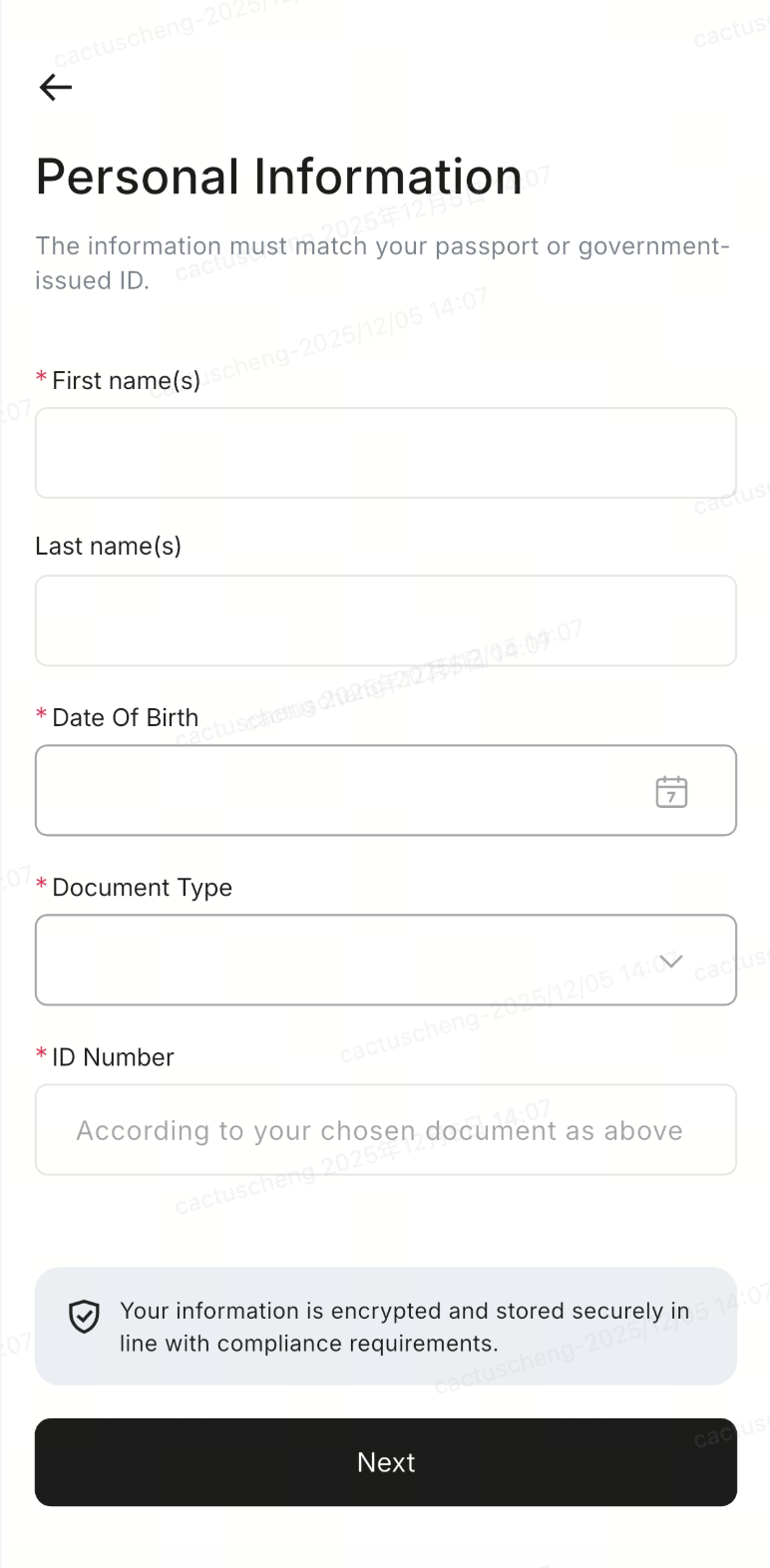
1. Personal Information
Enter your details exactly as they appear on your ID. If your ID includes a middle name, add it after your first name in the "First Name" field.
2. ID Upload
Take a clear photo of your original, physical identification document.
3. Face Scan
Complete a quick biometric scan using your phone's front camera.
4. Final Review
Double-check all entered data before submitting. Information cannot be changed once submitted.
Important Rules:
- Only original physical IDs are accepted. Do not use copies, screenshots, or photos of a screen.
- Your ID must be valid for at least 3 months from the date of submission.
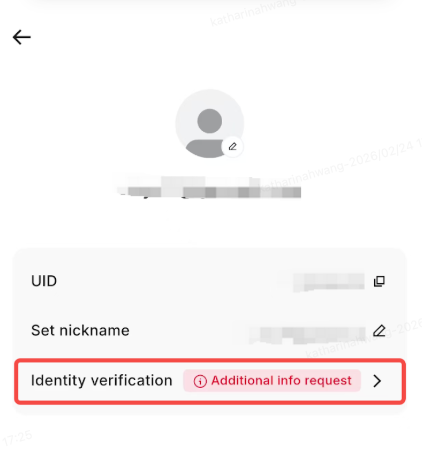
- If a personal statement is requested, it must be submitted within 14 days, or your application will be rejected.
Tips for Entering Personal Information
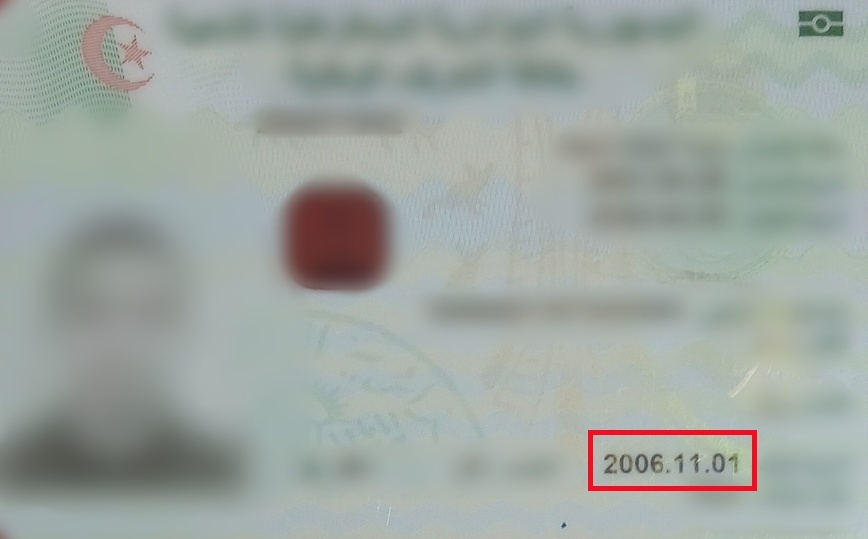
Small typos will cause an automatic rejection by the AI system. Double-check that your birthday format (Day/Month/Year) perfectly matches the text on your ID card.
Uploading Your ID Photos (Front & Back)
Place your ID on a flat surface in a well-lit room. Avoid glares from overhead lights or shadows from your phone. Ensure all four corners of the ID are visible in the photo.
If your ID has information on the back, you must upload both the front and back photos.
ID Card (Front)
ID Card (Back)
Pro Tip: Wipe your phone's camera lens with a microfiber cloth before taking the ID photos to ensure the text is razor-sharp.
Completing the Face Scan
The final step is the biometric face scan. Ensure you are the only person visible in the scan. Use a plain background if possible.
- Hold your phone steady at eye level.
- Remove any hats, heavy makeup, or masks.
- If you wear glasses, remove them to prevent glare from the screen.
Common Rejection Reasons
| Error/Issue | How to Fix |
|---|---|
| "Blurry Document" | Retake photo ensuring camera is focused and lens is clean. |
| "Glare Detected" | Turn off flash. Move away from direct overhead lighting. |
| "Name Mismatch" | Ensure middle names are included exactly as written on the ID. |
Claim Your Verification Bonus
Before you start your KYC, make sure you registered with a promo code. If you haven't yet, you can use the code below to secure a $5 bonus upon successful verification.
Verification FAQs
What is a 'Personal Statement'? +
Can I use a digital ID or a photocopy? +
Verify Your Identity Today
Once verified, you will unlock the full potential of your RedotPay wallet and crypto cards.
Start Verification