
How to Use RedotPay for Online Shopping & Subscriptions in 2026

Gone are the days when cryptocurrency was just a store of value. In 2026, your digital assets are as liquid as the cash in your bank account. With the RedotPay Visa Card, paying for your favorite online subscriptions and e-commerce shopping carts has never been easier.
In this guide, we will show you exactly how to bind your RedotPay card to major platforms like Amazon, Netflix, Spotify, and ChatGPT Plus to enable seamless crypto-to-fiat checkouts.
Which Platforms Support RedotPay?
Since RedotPay issues a standard Visa card (both virtual and physical), it is accepted virtually anywhere Visa is supported. However, we have tested and verified instant approvals on the following major platforms:
Verified Compatible Services:
- Entertainment: Netflix, Spotify, YouTube Premium, Steam
- E-commerce: Amazon, AliExpress, eBay, Shopify
- Tech & AI: ChatGPT Plus, GitHub, AWS, DigitalOcean
- Travel: Uber, Grab, Airbnb, Agoda
Step-by-Step: Binding Your Card
Binding your RedotPay card to any online service is exactly the same as using a traditional bank card. Just follow these steps:
1. Top Up Your Wallet
Ensure you have sufficient USDT, USDC, BTC, or ETH in your RedotPay wallet to cover the subscription cost.
2. Get Card Details
Open the RedotPay app, go to the 'Card' tab, and tap the 'Eye' icon to reveal your 16-digit card number, Expiry Date, and CVV.
3. Enter & Authenticate
Enter these details on the merchant's checkout page. You may receive an OTP or App notification for 3D Secure verification.
When asked for a billing address during online checkout, ensure you enter the exact same address you used during your RedotPay KYC verification to prevent transaction declines.
Exclusive Sign-up Promo
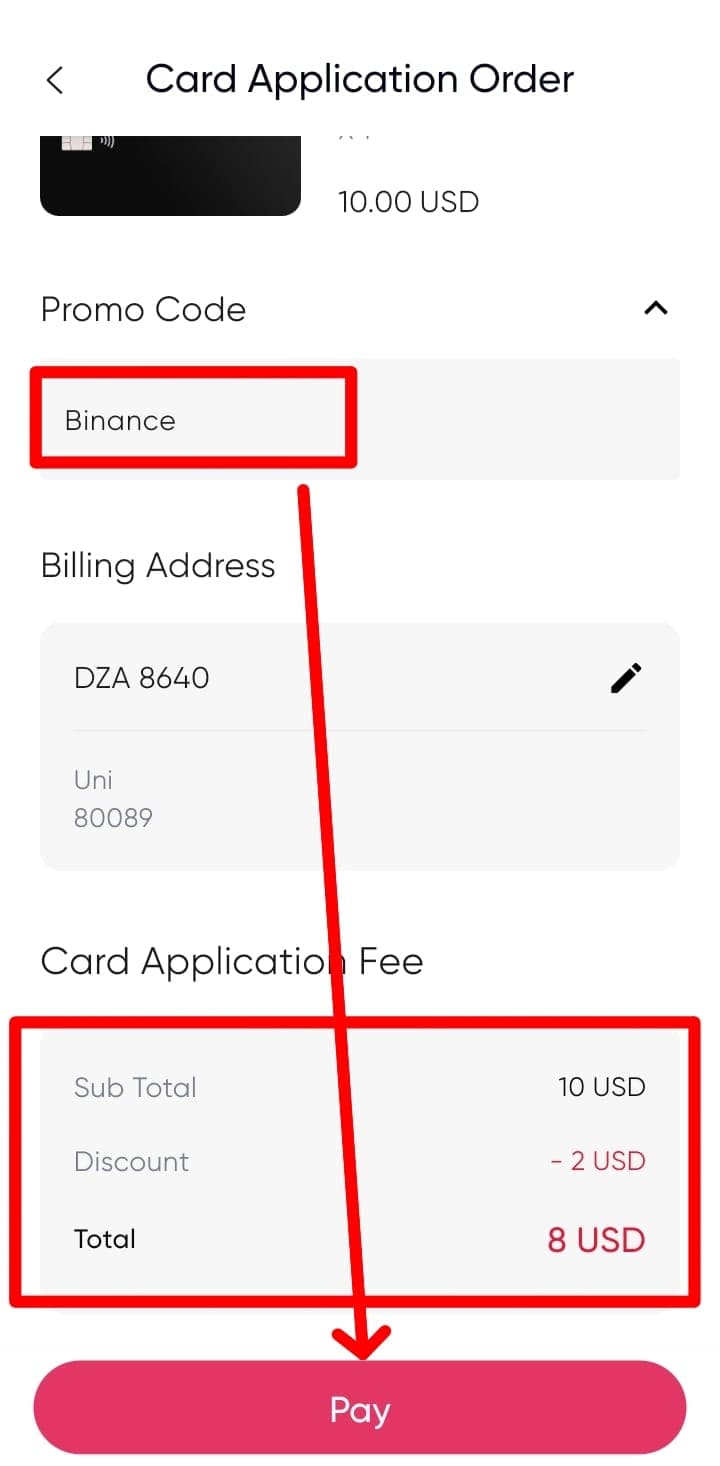
If you haven't created your RedotPay account yet to start your crypto shopping journey, you can grab a quick $5 welcome bonus. Use the promo code below during registration:
Shopping FAQs
Does Amazon accept RedotPay? +
What happens if an online subscription fails? +
Are there any extra fees for international online purchases? +
Ready to Spend Your Crypto?
Unlock the power of your digital assets today. Whether it's the newest Netflix show or an Amazon gadget, pay the smart way.
Get Your Card